
Granville VINELink Custody Scope
North Carolina's notification program is NC SAVAN, short for Statewide Automated Victim Assistance and Notification. Its public face is VINELink, reachable through the website, the app, or 1-877-NC SAVAN (1-877-627-2826). State material describes the service as free and anonymous. The person in custody never learns who registered.
County jails feed VINE from their own management systems. That design covers every participating jail in the state. It does not guarantee Granville County appears, or that its data is complete. Granville County publishes no page confirming a live feed. So select North Carolina, look for Granville County in the live interface, and note the time. A missing county or result marks a limit you observed, not proof of permanent nonparticipation.
Check Granville Custody on VINELink
Search for one person you can name, with enough identifying detail to avoid a common-name mix-up. It is not a county roster. A result reflects the reporting agency's current status, while the arrest report and court file live elsewhere. Share no private details beyond the custody purpose.
- Open VINELink and choose North Carolina as the state.
- Select the relevant custody or offender search and Granville County if it is offered.
- Enter the person’s name or another available identifier with care.
- Compare multiple matches using the facility, agency, identifier, and other displayed facts.
- Open the matching result and record the status plus the source check time.
- Contact the reporting facility when a result is missing, unclear, or urgent.
A brand-new booking can lag the VINE feed. For direct local answers, the Granville County Detention Center takes calls at 919-693-3717. For the arrest or booking record itself, go to the sheriff. The arresting agency or the county records custodian can also supply it. VINE replaces none of those offices. The North Carolina VINELink search screen shows the state and county context. It displays that without using anyone's real information.
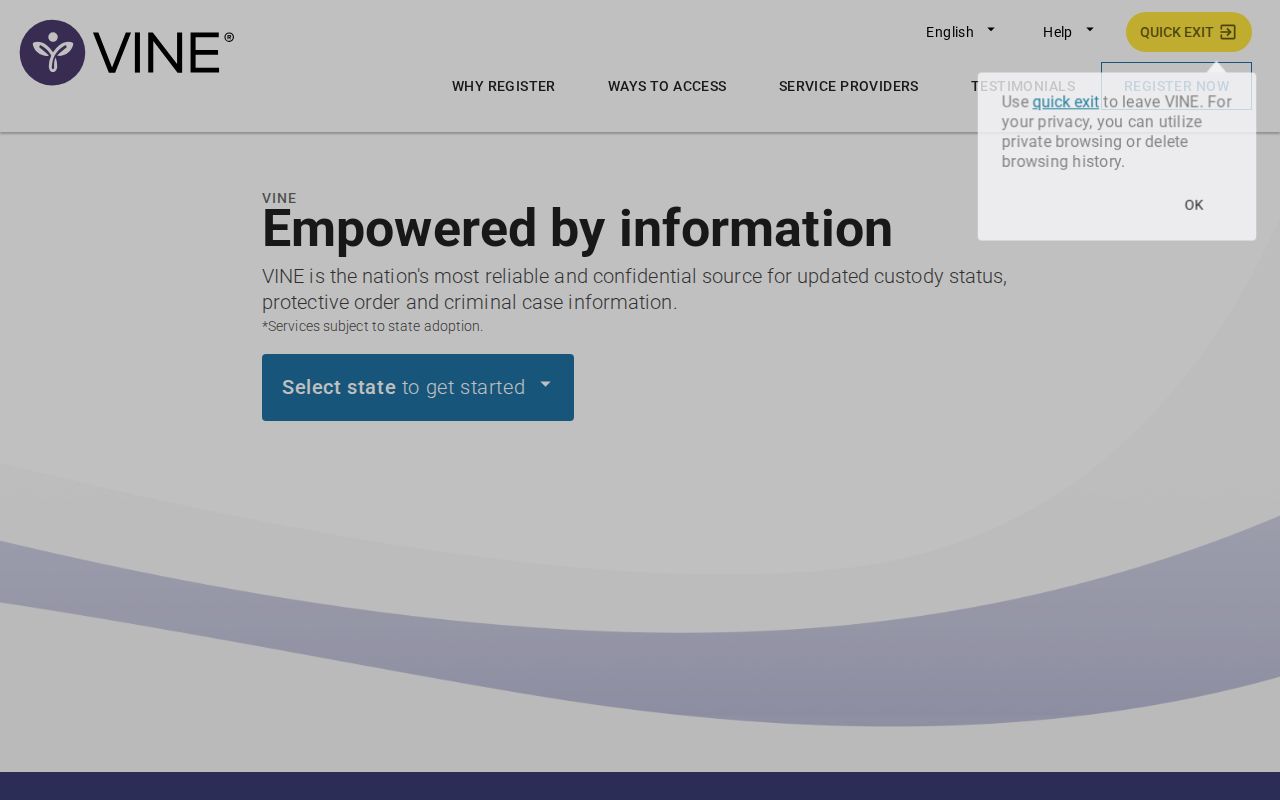
The image shows the interface, not any person's results.
Note: Record the selected state, county, reporting agency, status wording, and check time whenever the result may change.
Granville VINELink Result Fields
Fields vary with the agency and the live interface. State material confirms custody search and notifications, not a fixed Granville County schema. Trust only what the live result labels say. A status screen carries no photo, charge outcome, or full booking history.
| Possible field | How to use it |
|---|---|
| Name or offender identity | Compare with other facts before accepting a match. |
| Custody status | Read the exact terms, such as in custody, released, or transferred. |
| Facility or agency | Identifies the office to call for confirmation. |
| Offender identifier | Helps distinguish similar names when displayed. |
| Event or update date | Shows when the reported status was changed, if provided. |
| Notification options | Lists the available channels and event types. |
"Released" means the reporting custody ended. It says nothing about dismissal or later supervision. "Transferred" points you to the destination agency's own locator. A missing result can stem from lag, a spelling mismatch, another county, a protected record, a feed that is not participating, or a different custody system.
Identity checks deserve care. Compare the name against the displayed agency, facility, identifier, and event date before trusting anything. Similar names never prove the result concerns your person. If the screen offers little, call the facility rather than leaning on social posts or an old article. Granville County detention staff answer current custody questions. The record custodian handles releasable documents. Court staff hold case records and later outcomes.
An "in custody" label reports confinement according to the source data. A transfer label reports movement between facilities. Keep the exact status words, the date checked, and the reporting office together when sharing a result with a family member, advocate, or attorney. Notes beat memory. Good notes stop a temporary status from becoming a lasting claim.
Register Granville Custody Alerts
Searching and registering are separate steps. Finding a record creates no alert on its own. North Carolina materials list web, app, telephone, email, text, and TTY channels. Availability varies by record and agency, so use only the methods the official service displays.
- Open the correct person’s record after confirming the match.
- Choose registration or notification and select the custody events offered.
- Provide the phone, email, text, or other supported delivery method directly to VINE.
- Create the requested four-digit personal identification number and keep it private.
- Complete any confirmation step shown by the service.
- Retain the PIN and instructions for changing or ending notifications.
Enter personal details only in the official VINE system. Alerts can help with planning after a release or transfer. They should never be the only safety measure. Follow case-specific directions from the court, law enforcement, or victim-services staff.
Pick a method that actually reaches you. Then keep the registration details secure. If a phone number or email changes, update it through the official service. Do not wait on this. A PIN guards access to your registration settings, so never reuse or share it. When an alert arrives, read which event occurred and which agency supplied it. Release, transfer, and facility change are different events. The wording tells you which office to contact next.
How Granville Alerts Arrive
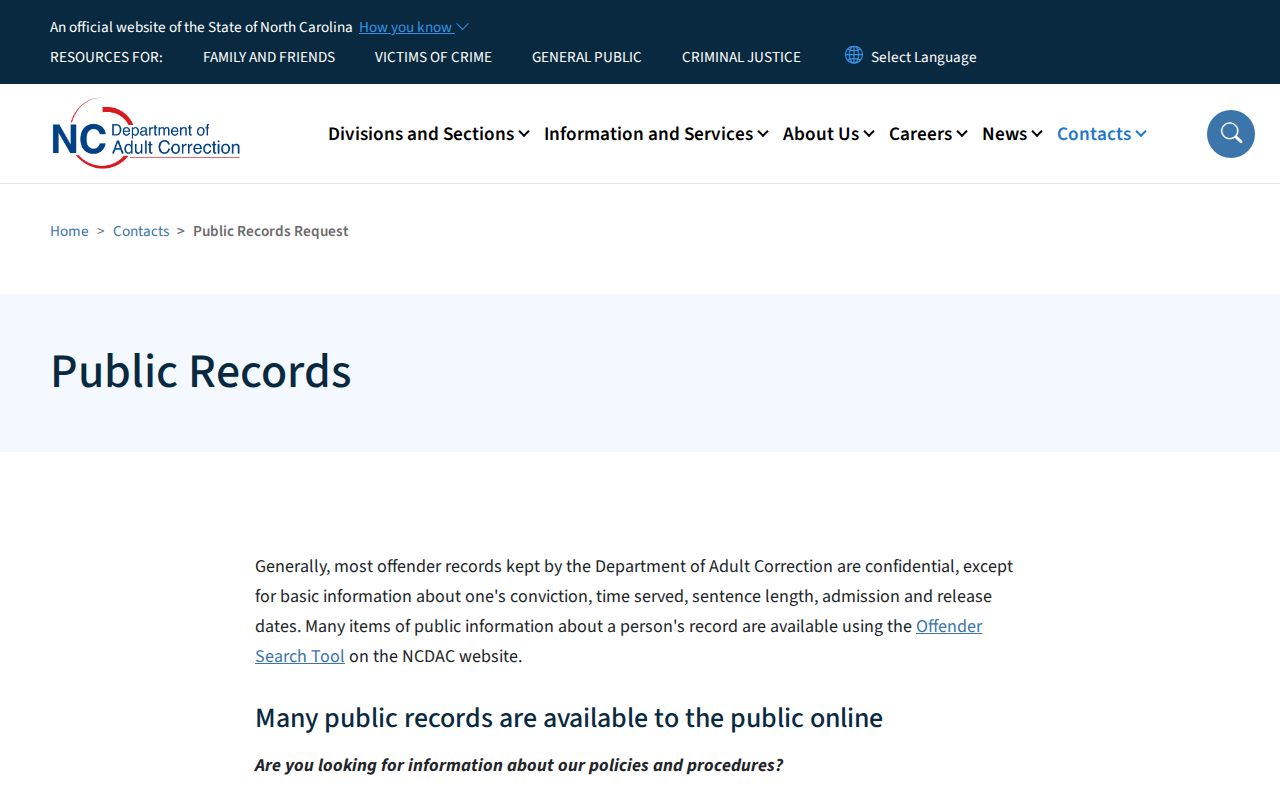
NC SAVAN's channel variety helps when one method fails. Telephone and TTY serve users who skip email. Text and email leave a written notice. The app or web portal supports a direct status check. What each channel offers still depends on the underlying agency data. The NC DAC public-records page explains the scope and confidentiality limits of state correction records.
A missing alert does not mean nothing changed. Notices can fail for technical reasons. Call VINE support if your registration seems broken. For the custody fact itself, contact the facility holding the person. In Granville County, the detention line serves as the local confirmation route once the county center is identified.
Note: A notification is only as current as the participating agency’s transmission and the delivery channel’s successful operation.
Granville Custody Systems Differ
Granville County's map invites mix-ups. The Detention Center is a local jail in Oxford. Granville Correctional Institution is a state prison in Butner. It answers to NC Adult Correction, not the county. Butner's federal facilities belong to the Bureau of Prisons, and ICE runs its own immigration locator, so a shared place name never merges these systems.
| Custody type | Official route | VINELink role |
|---|---|---|
| Granville county jail | Detention Center and county custodian | Check live county participation and status |
| North Carolina prison or supervision | NC DAC offender search | State notification may apply |
| Federal custody | BOP Inmate Locator | Not covered as a federal locator |
| Immigration custody | ICE Online Detainee Locator | Not a substitute for ICE search |
| Court case | Granville eCourts and Clerk | Does not provide disposition |
The NC DAC search screen covers prison, probation, and parole.
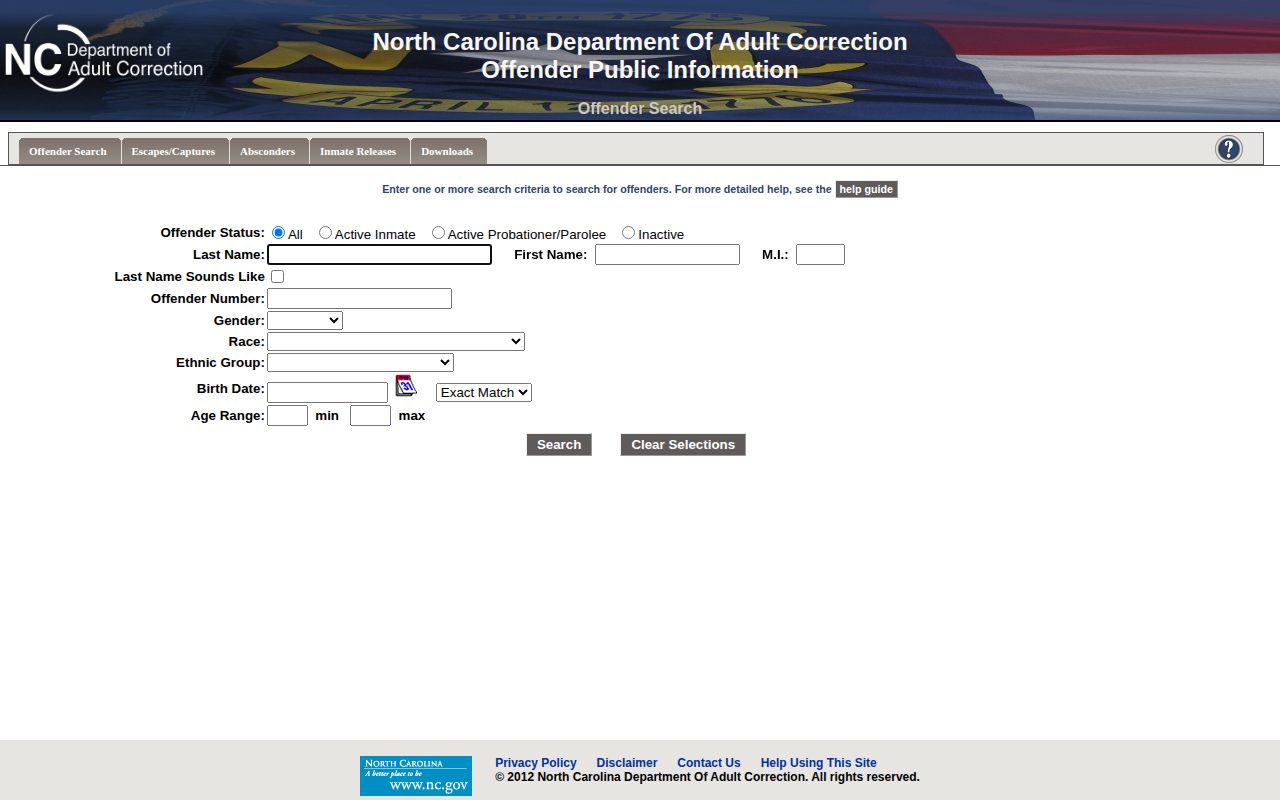
A DAC result is not a Granville County jail booking.
Confirm Granville VINELink Results
VINELink has real limits. It is no mugshot archive. It is not a complete recent-bookings list or arrest report either. No court dispositions live there. The service cannot vouch that every Granville County jail record appears, nor can it answer federal BOP or ICE questions. Statuses also lag behind a new booking, release, or transfer while systems trade data.
When accuracy matters now, call the facility. The arresting agency or the county public-record process holds the underlying record. For later hearings and dispositions, check Granville eCourts. For the local fallback, the Granville same-day arrest check covers detention and records options when VINELink has no timely match.
Note: VINELink tracks custody events; only the court record can show how the charge was ultimately resolved.